
Rhyno Hu
January 7, 2026
5 Minuten
Rhyno Hu
January 7, 2026
5 Minuten
AI tools now shape how people create anime. In 2026, creators use AI to design characters, build scenes, and produce short videos. Many users search for clear answers to questions like "how do you make anime," "how to make an anime character," and "how to create your own anime." This guide explains each step in plain language using simple structure and direct sentences.
This article focuses on anime AI, AI-generated anime, and anime creation methods that work today. It explains tools, prompts, and workflows without filler or vague claims.
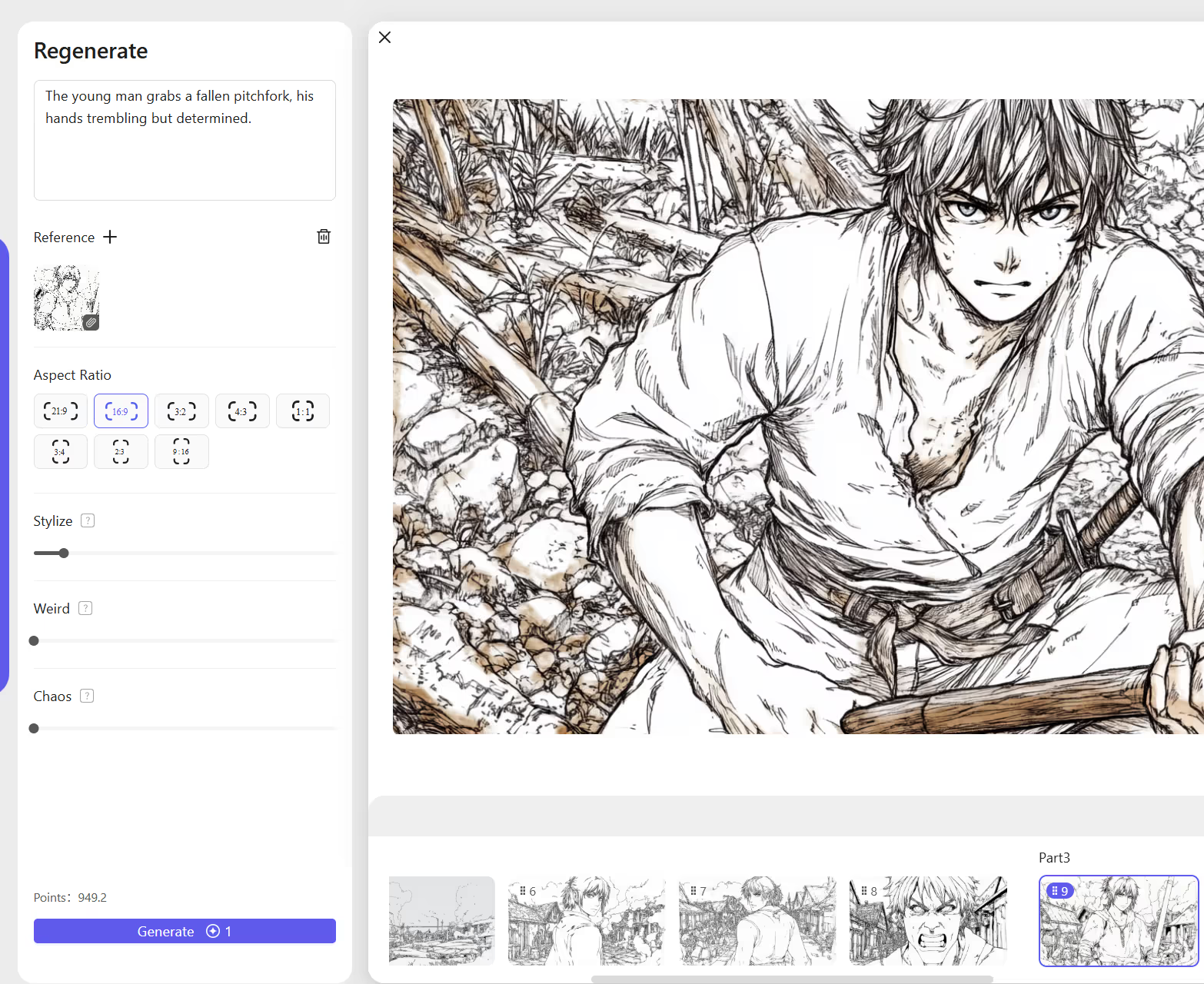
AI anime generation uses software models to create anime-style images and videos. These models learn from large anime image sets. Users provide text prompts or photos, and the system creates anime art or animation frames.
People use AI for anime character design, anime illustrations, anime video opening clips, personal avatars, and short anime stories. Many tools now support anime AI art generator, AI anime maker, and anime creator online features. Some tools also offer free anime AI options with limits.
AI lowers the skill barrier. You do not need drawing skills to start. You control results through text input and reference images.
AI anime helps solo creators save time, beginners learn anime design, studios test ideas fast, and fans create personal anime characters. Users often ask if anime is AI-generated today. The answer is yes for many projects, though human creators still guide ideas, style, and story.
AI follows clear instructions. The system reads prompts and maps words to shapes, colors, and styles. It then produces anime images or frames.
AI supports character pose control, facial expression control, lighting control, and scene layout control. The user remains in charge. AI acts as a production tool, translating your creative vision into visual reality through algorithms trained on thousands of anime images.
Anime starts with characters. AI tools allow fast character creation that once required years of drawing practice.
Follow these steps: choose an AI anime generator, write a clear character prompt, adjust features and clothing, then save and refine results.
A good prompt uses clear nouns and adjectives. Example prompt structure includes the subject (anime girl), traits (short blue hair, green eyes), outfit (school uniform), style (modern anime style), and mood (calm expression).
This method supports AI anime character, anime characters AI, and AI-generated anime character creation. The key is specificity—vague prompts produce vague results.
Many users search for "make me an anime character" or "make yourself anime." The process is straightforward: upload a clear photo, select anime style, adjust hair, eyes, and outfit, then generate the image.
Tools that support AI anime generator from photo handle this task well. These Japanese waifu AI and similar tools analyze facial features and translate them into anime aesthetics while maintaining recognizable characteristics.

Anime style defines mood and audience appeal. The visual language you choose communicates as much as the content itself.
Current trends include modern anime style, advanced anime shading, soft pastel anime, and high-contrast anime illustration. Each style serves different purposes and appeals to different audiences.
AI supports style keywords, and clear style input improves output quality significantly.
Prompt tips include naming one style only, avoiding mixed eras, and using simple adjectives. For example: "modern anime style, clean line art, soft lighting."
This method improves anime illustration prompt generator results. When using prompts for AI anime generation, consistency in terminology helps the AI understand your aesthetic goals. Reference specific anime shows or artists only when you want to evoke that particular visual language.
Backgrounds give context to anime scenes and establish the world your characters inhabit.
Use clear location terms like "city street at night," "school classroom," or "forest path." Add lighting and weather if needed.
Example: "anime background, city street, night, neon lights, rain."
This method supports anime generation and anime AI art generator output. Well-crafted backgrounds enhance character focus rather than distract from it. The environment should serve the narrative and emotional tone you're establishing.
Composition controls viewer focus and creates visual hierarchy in your anime scenes.
AI understands camera terms such as close-up, wide shot, and side angle. Example: "anime character, close-up, neutral background."
This improves clarity in AI-generated anime images. Think like a director—each frame should guide the viewer's eye to what matters most. Composition choices affect emotional impact as much as the characters themselves.

Color guides emotion and establishes atmosphere in anime creation.
Popular options include soft daylight, warm sunset, and cool moonlight. Add one lighting instruction only to avoid conflicting directions.
Example: "soft daylight, natural shadows."
This helps AI keep clean results. Lighting transforms ordinary scenes into memorable moments. The same character in harsh noon light versus golden hour light tells completely different stories.
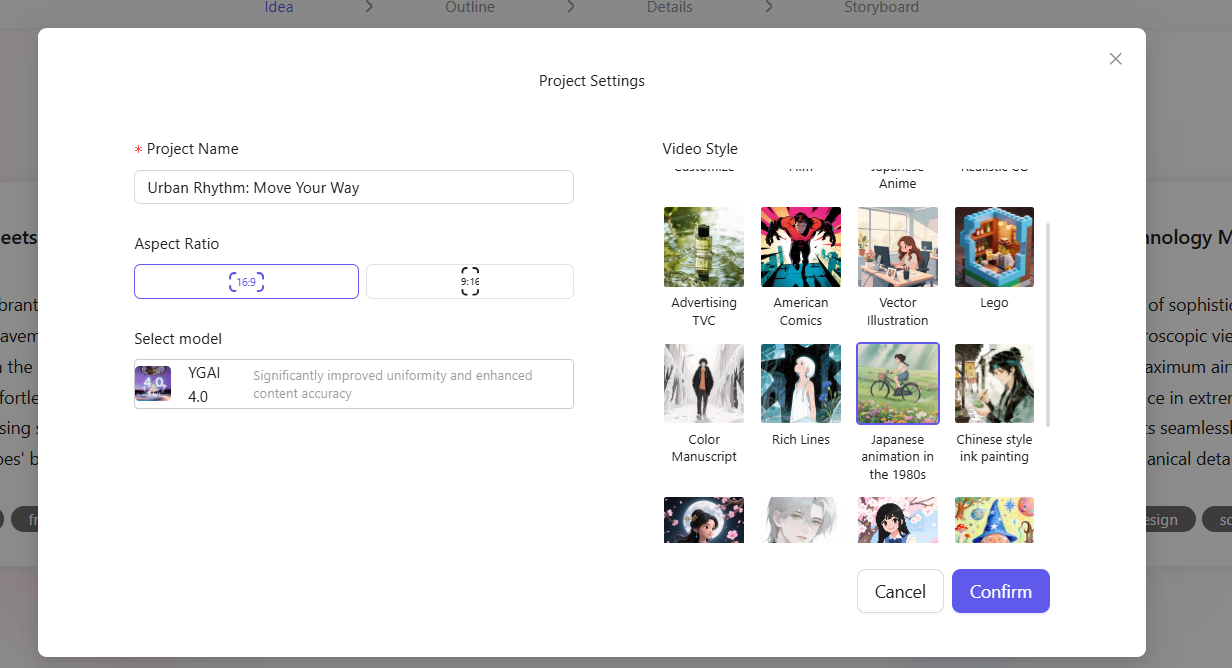
Details include hair highlights, eye shine, and motion blur. Use details sparingly to maintain visual clarity.
Example: "detailed eyes, subtle glow."
This method avoids clutter. Too many effects create visual noise rather than enhancement. Strategic detail placement draws attention to focal points while maintaining overall composition balance.
Advanced users refine prompts through structure and deliberate ordering.
Organize prompts in this sequence: subject, style, clothing, pose, lighting, background. Avoid long sentences and use commas for separation.
This structure helps AI parse instructions efficiently and produce results that match your vision.
Negative prompts tell AI what to avoid. Examples include "extra limbs," "blurry face," and "distorted eyes."
Negative prompts improve anime AI generator free tools that lack fine control. They're particularly useful for preventing common AI errors like anatomical inconsistencies or style contamination.
Free tools help beginners explore anime creator free platforms and free anime AI trials. Limits may include lower resolution, daily generation caps, and watermarks.
These tools provide excellent starting points for learning prompt engineering and understanding AI anime workflows.
Paid tools support high detail, batch generation, and video support. These tools help users who want advanced anime output with greater control and commercial usage rights.
The investment pays off for serious creators building portfolios or developing anime content for clients.、
Many users search for "AI video anime opening" or "AI video generator anime opening" to produce dynamic animated sequences.
Generate character images, create background scenes, use AI video tools to animate frames, then add music and text.
Some platforms automate motion and transitions, making the process accessible even for beginners. A Reddit guide explains an easy workflow for anime video generation that combines still image generation with motion interpolation tools.
AI helps with early production phases and visual development.
Steps include designing characters, creating key scenes, generating short clips, and editing clips manually. AI supports ideation and visuals while human creators guide story flow and pacing.
This method answers "how to create an anime show" queries by providing a practical framework for long-form content development.
AI removes drawing barriers entirely, democratizing anime creation.
You need clear prompts, reference images, and patience. This method supports "how to make anime" and "how do you make anime" goals for creators who have stories to tell but lack traditional illustration skills.
The creative vision matters more than technical drawing ability in the AI anime era.
Some viewers care about transparency regarding AI-generated content.
Many creators now label content as "anime is AI-generated" to build trust and clarity. This practice respects audience expectations and maintains honest creator-viewer relationships.
Disclosure also protects creators legally and ethically as AI content regulations continue developing.
Social platforms now host AI anime sharing and collaborative learning.
Users share prompts, results, and feedback in dedicated communities. Guides on AI anime use appear on Quora and SocialSight, creating knowledge bases that help newcomers avoid common pitfalls and accelerate their learning curves.
Avoid these issues: overloaded prompts, mixed styles, and too many effects.
Simple input produces better output. Less is often more in prompt engineering—focus on clarity over complexity.
What is anime AI used for?
Anime AI creates characters, art, and short videos for entertainment, marketing, and personal projects.
Can beginners use AI to make anime?
Yes. AI tools support beginners with text prompts and intuitive interfaces.
Is there a free anime AI generator?
Yes. Many tools offer free plans with limits on resolution and daily generations.
How do you make anime characters look consistent?
Use the same prompt and reference image each time, or leverage character consistency features in advanced tools.
Can AI create full anime episodes?
AI helps with visuals, but humans still guide story and editing for coherent narratives.
Are AI anime images legal to use?
Rules depend on the platform and model license. Always check terms of service and usage rights.
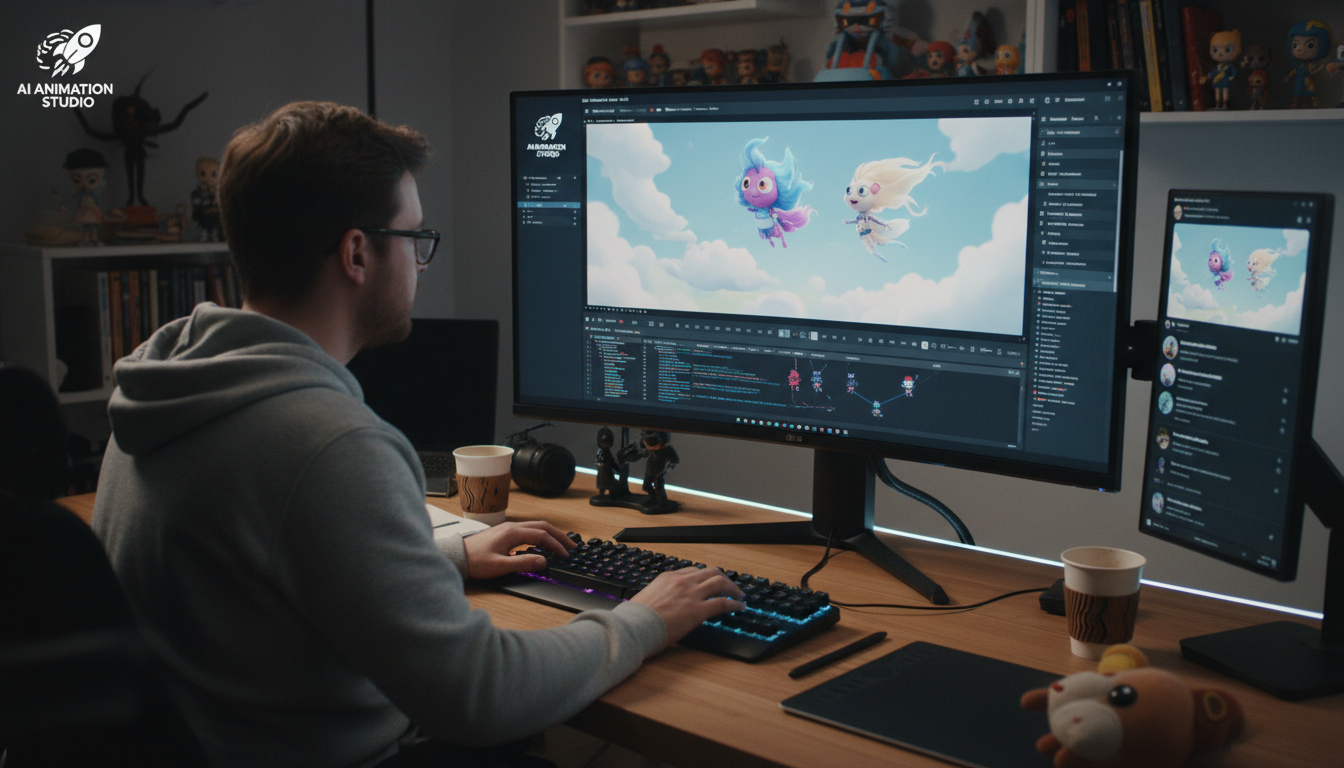
VeeSpark AI helps creators turn ideas into anime videos with speed and control. The tool focuses on story flow, visual consistency, and animation quality.
Users paste a short script into VeeSpark AI, and the platform converts it into a full animated sequence. The system matches dialogue with character mouth movement, applies camera angles that fit the scene, and adds motion effects to actions and transitions.
This process supports AI-generated anime and AI video anime opening creation with minimal manual intervention.
Users can type a single keyword such as "Young Hero," and VeeSpark AI builds a story structure around that concept. The tool creates editable storyboards, brave main characters, quest-based story paths, and action-focused scenes.
This feature helps users who search for "how to create your own anime" or anime creation tools by removing the blank-page problem.
VeeSpark AI allows direct scene control. Users can change lighting values, redraw character details, add visual effects such as explosions, and adjust motion on each frame.
This control supports advanced anime workflows without drawing skills, giving creators precision over final output.
VeeSpark AI keeps characters consistent across scenes by maintaining color accuracy, body proportions, and facial features throughout the production.
This feature solves a common issue in anime characters AI projects where different generations produce variations in appearance.
Creators use VeeSpark AI for repeated content production. The tool fits anime series production, brand storytelling, and promotional video ads.
One design setup works across multiple scenes and formats, saving time during anime generation and maintaining brand consistency.
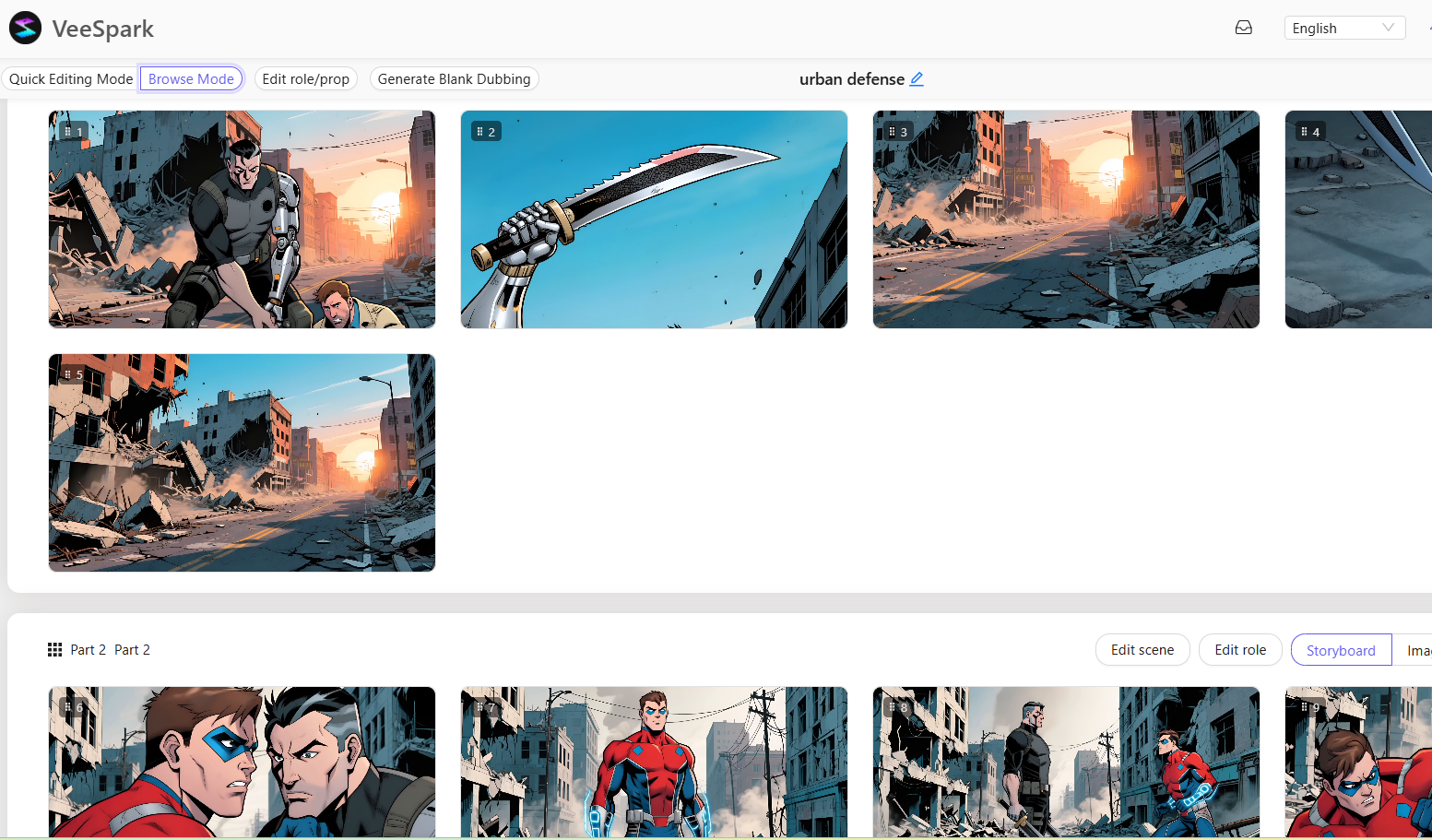
The AI anime era has arrived, bringing with it the genius of anime. If you want to turn yourself into an anime character, create an anime show or simply explore this creative medium, there are tools available today that can help you transform your ideas into animated reality. Start with simple character designs and prompts, gradually building complexity as you develop your skills.
The future of anime creation is collaborative: human creativity guided by AI capability. Your unique voice and vision will always be irreplaceable, while AI can handle the technical execution. This partnership between human imagination and artificial intelligence opens up new possibilities for storytelling that were unimaginable just a few years ago.
.png)

